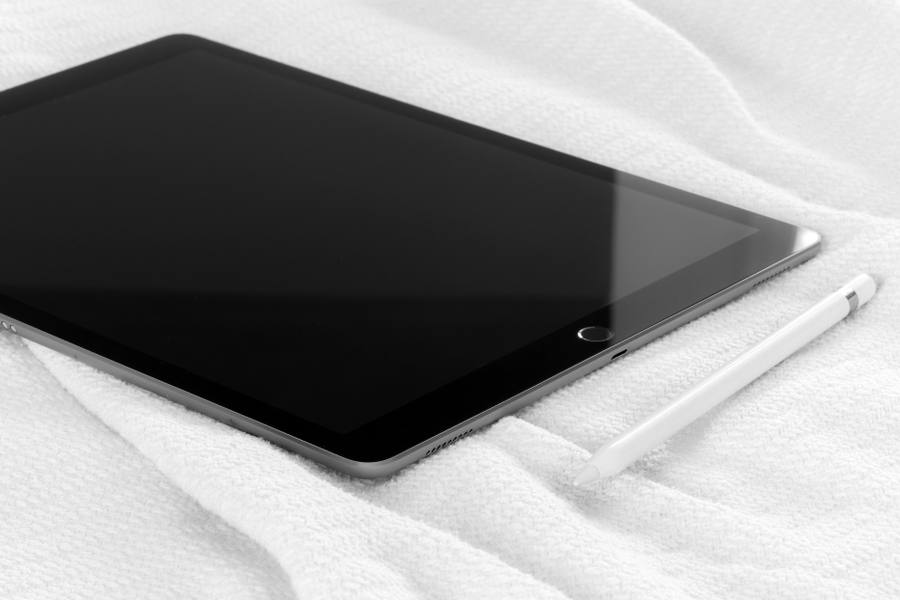
Adjustable Tablet Stand
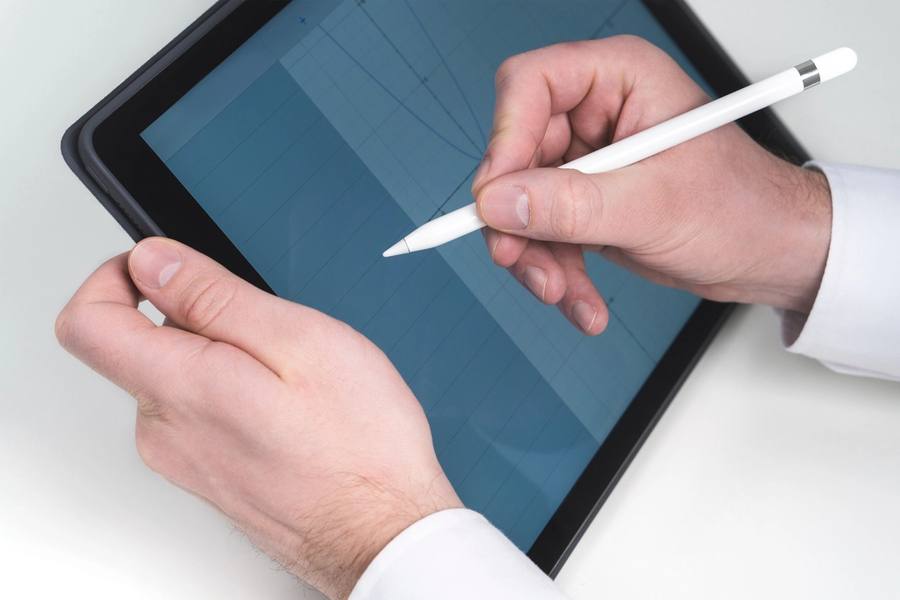
Image illustrative (photo de stock) ; ce n'est pas le produit exact.
Looking Down Causes The Problem
A device held in the lap or flat on a desk requires the head to be tilted forward, which puts sustained load on the neck and upper back over a long session.
That posture over hours is what produces the neck and shoulder discomfort people associate with reading and screen work, and it is a positioning problem rather than an unavoidable consequence.
A stand raising the device towards eye level removes the head tilt entirely, which addresses the cause rather than treating the resulting discomfort.
Stability Determines Whether It Works
A stand that rocks when a screen is tapped is annoying for reading and genuinely unusable for writing with a stylus, where any movement disrupts the line.
A heavy base is what provides stability, and a light folding stand that packs small is invariably less stable than a weighted one that does not.
That is the central trade in this category, and choosing between them depends on whether the stand lives on a desk or travels.
Adjustment Range
A stand offering one fixed angle suits one seated position, and the correct angle differs between reading at a desk, writing with a stylus and watching something.
Continuously adjustable stands with a friction hinge cover the range, and stepped ones frequently have the right angle falling between two settings.
Height adjustment matters as much as angle for anybody trying to reach eye level, since angle alone does not raise a device at all.
Writing Versus Reading Angles
Reading and watching want a steep angle close to vertical, where writing with a stylus wants a shallow one closer to a desk surface.
A stand covering both is more useful than one optimised for either, and a stand that will not lie shallow is unusable for handwriting.
Some designs include a lip to stop a device sliding at shallow angles, which matters because a tablet on a smooth stand slides forward when written on.
Cable Access And Charging
A stand blocking the charging port means a device cannot be used while charging, which for a long session is a genuine limitation.
A cutout or an open design at the base avoids it, and checking where the port is on your specific device before buying matters since it differs.
Cable routing through the stand keeps a desk tidy, which is a small convenience that becomes noticeable on a permanent desk setup.
Case compatibility is worth checking, since many stands grip a device at the edges and a thick protective case either will not fit or is pushed off the stand by the grip. A stand with an adjustable width or an open cradle handles a cased device where a moulded one sized to a bare tablet does not.
The Verdict
A simple item addressing the cause of neck discomfort from sustained device use, where stability and adjustment range determine usefulness.
Light folding stands are unstable, fixed angles suit one use, and a blocked charging port limits long sessions.
Check it holds steady when tapped. A stand that rocks is unusable for stylus writing, which is where stability matters most.
En un coup d'œil
Avantages
- Removes the head tilt that causes neck strain
- Heavy bases are genuinely stable for stylus writing
- Adjustable angles suit reading and writing
- Frees both hands entirely
Inconvénients
- Folding travel stands are noticeably less stable
- Fixed-angle designs suit only one use
- Some block the charging port
- Devices slide forward at shallow angles without a lip
Questions fréquemment posées
Why use a stand at all?
A device in your lap requires the head tilted forward, which loads the neck and upper back over hours. That posture is what produces the discomfort people blame on screen time, and raising the device towards eye level removes the cause.
What should I check?
Whether it holds steady when the screen is tapped. A stand that rocks is annoying for reading and genuinely unusable for stylus writing, where any movement disrupts the line. A heavy base is what provides that.
Does one stand cover reading and writing?
Only if it adjusts widely enough. Reading wants a steep near-vertical angle and writing wants a shallow one near the desk. A stand that will not lie shallow cannot be written on, and one without a lip lets the device slide.
Spécifications
| Type | Adjustable device stand |
| Problem solved | Head tilt causing neck strain |
| Stability | Weighted base; critical for stylus use |
| Adjustment | Continuous friction hinge preferred |
| Reading angle | Steep, near vertical |
| Writing angle | Shallow, near the desk |
| Lip | Prevents sliding at shallow angles |
| Check | Charging port access on your device |
Résumé
Removes the head tilt that causes neck strain. Check it holds steady when tapped — that decides stylus usability.
Vérifier le prix sur Amazon